SAP Master Data Migration
SAP master data migration is the first, foundational step of any ECC to S/4HANA move: the master records have to be in the target system, clean and consistent, before any transaction can reference them. It connects the broader data migration work with the discipline of master data management.
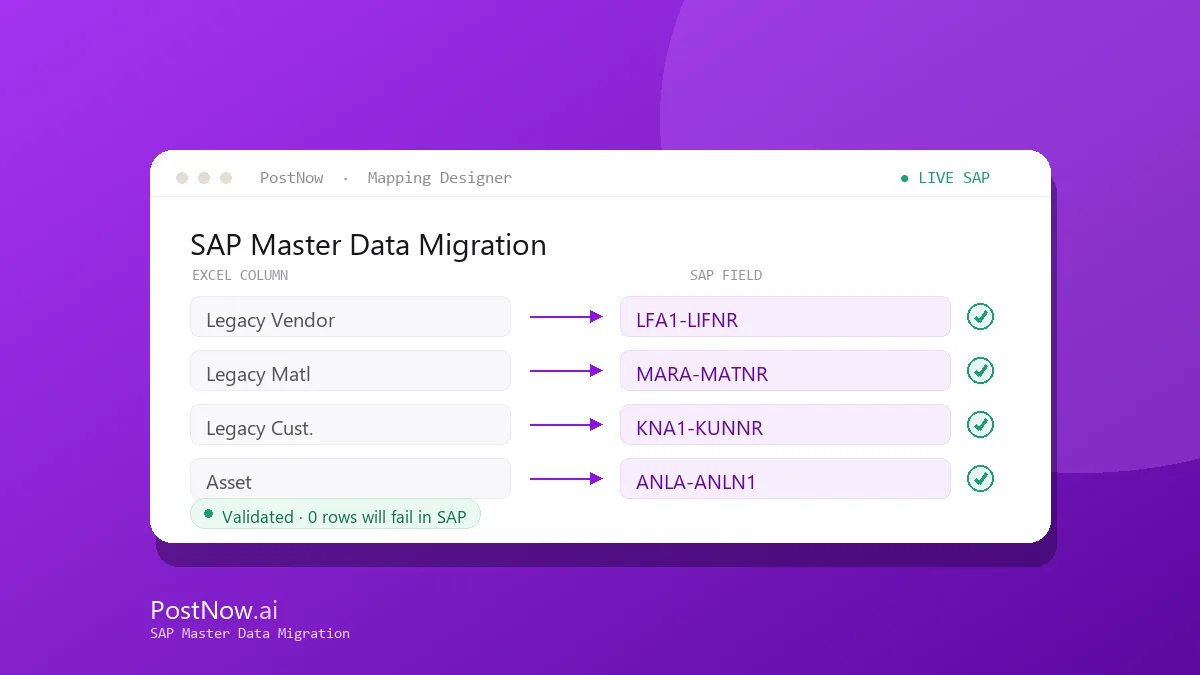
PostNow loads each master object from a validated Excel template, so you can dry-run, fix, and re-run until every row is clean — with a run log that becomes your migration evidence.
Related solutions
Related SAP automation topics — start here for the full picture.
SAP Master Data Migration guides
SAP Vendor Master Automation
Create and maintain SAP vendor master records from Excel across the general, company-code, and purchasing views. AI maps the fields, validates them, and posts through the vendor BAPI or XK01.
Read the guide →MM01SAP Material Master Automation
Mass-create and extend material master records from Excel with BAPI_MATERIAL_SAVEDATA. Map every view, apply formatting rules, and validate before anything reaches SAP.
Read the guide →XD01SAP Customer Master Automation
Load and update SAP customer master data from Excel across the sales, company-code, and general views, with AI field mapping and pre-flight validation.
Read the guide →BPSAP Business Partner Automation
Automate SAP Business Partner creation in S/4HANA from Excel — handling BP roles, relationships, and the customer/vendor integration in one governed run.
Read the guide →FS00SAP G/L Account Master Automation
Create and change G/L account master records from Excel at chart-of-accounts and company-code level, validated against live SAP before posting.
Read the guide →KS01SAP Cost Center Automation
Mass-create and maintain cost centers from Excel, including hierarchy assignments and validity periods, posted through the controlling interface.
Read the guide →KE51SAP Profit Center Automation
Create and update profit centers and their assignments from Excel, validated against your controlling area and posted in one batch.
Read the guide →AS01SAP Asset Master Automation
Create fixed-asset master records from Excel across asset classes and depreciation areas, with validation before they reach SAP.
Read the guide →CS01SAP Bill of Material Automation
Create and maintain SAP bills of material from Excel, including components, quantities, and item data, in a single validated upload.
Read the guide →VK11SAP Pricing Conditions Automation
Load and update SAP pricing condition records from Excel across condition types and key combinations, validated before posting.
Read the guide →Frequently asked questions
How do you migrate SAP master data to S/4HANA?
Which master objects are migrated first?
See SAP Master Data Migration on your SAP system
Request a demo or start a 14-day free trial and run your first validated load from Excel.